Pritunl Client v1.4 has been released. This release adds a new TUI interface, Flatpak support and CLI improvements.
Terminal User Interface
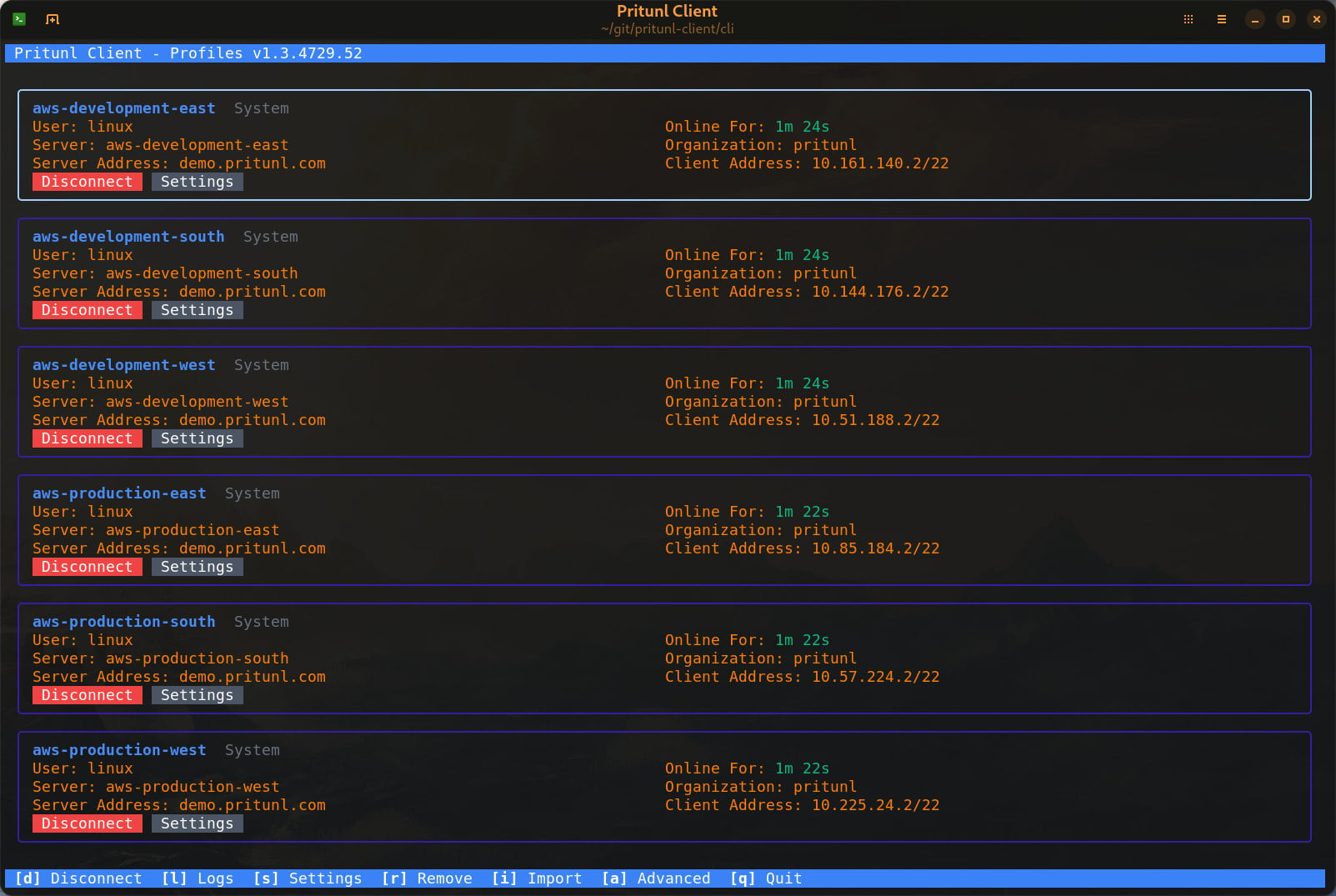
A new interactive terminal interface has been added to allow controlling the client from the terminal without needing to use the GUI. The terminal interface is included in the macOS, Linux and Windows clients. The Linux client has the pritunl-client package to install the client with only the terminal interface. Refer to the terminal user interface documentation for more information on using the terminal client.
Flatpak Support
The Pritunl Client is now built for Flatpak. This required a redesign of the connection management service to utilize NetworkManager to allow running the client without root system access. The new Flatpak client will run entirely under user permissions and does not require any elevated permissions. There is optional TPM access that can be provided to the Flatpak client with udev rules to allow device authentication to work.
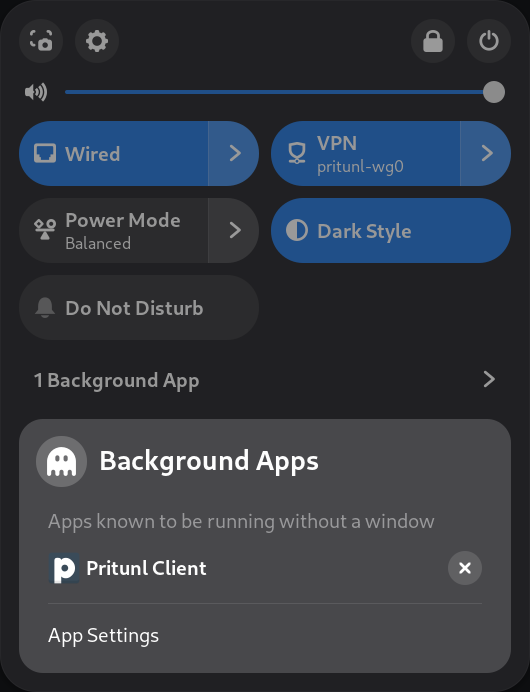
As long as the tray icon is not enabled this is a very lightweight client with just one 20mb Go based background service. Currently only WireGuard connections are supported with the Flatpak client. The Pritunl Client Flatpak documentation has more information on installing and configuring the Flatpak client.
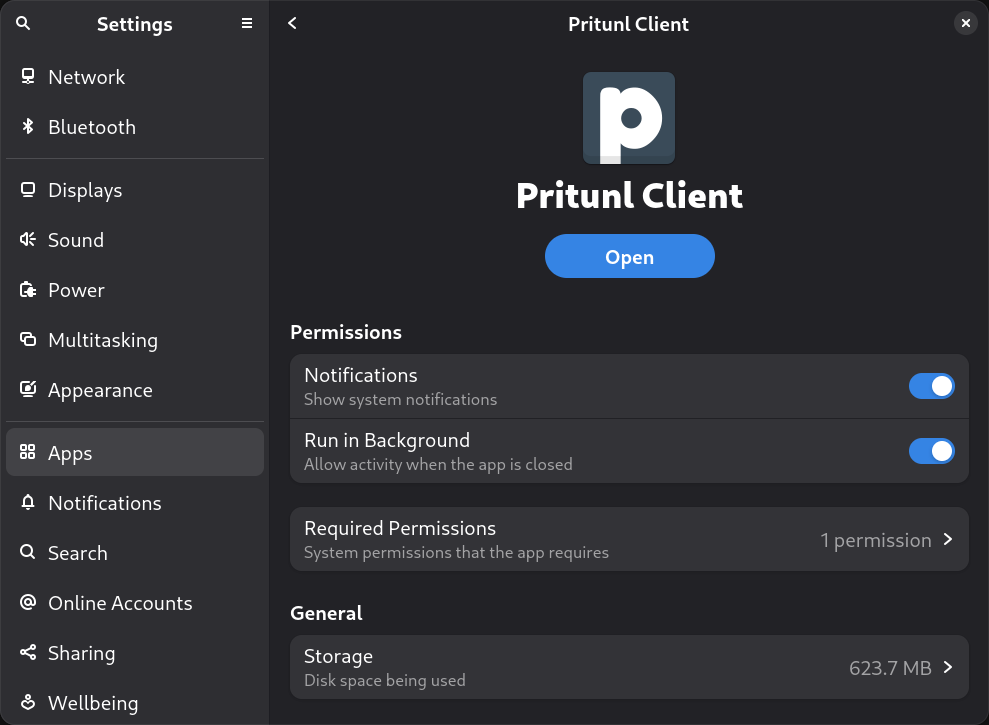
Optional background support if the tray icon is enabled.
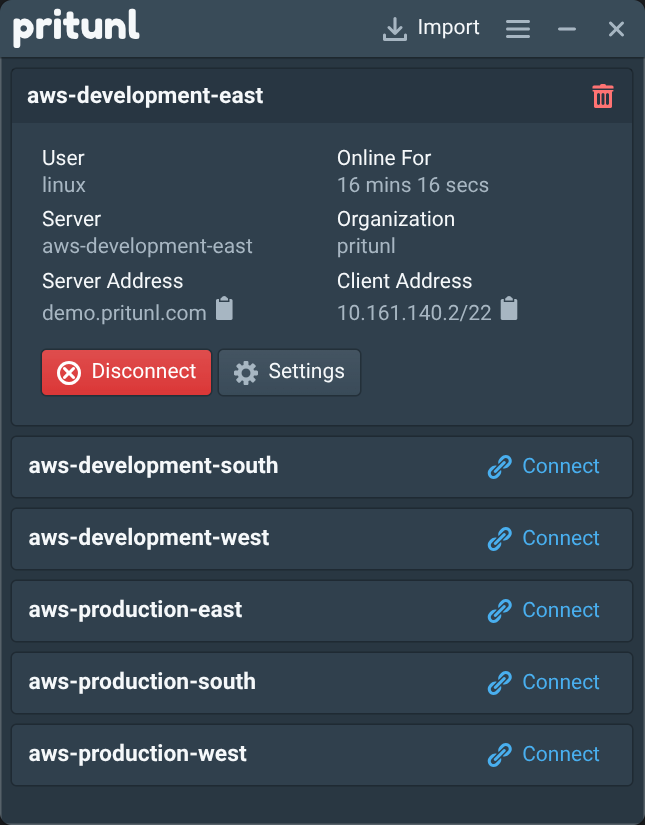
The Flatpak client has the same user interface as the standard client.
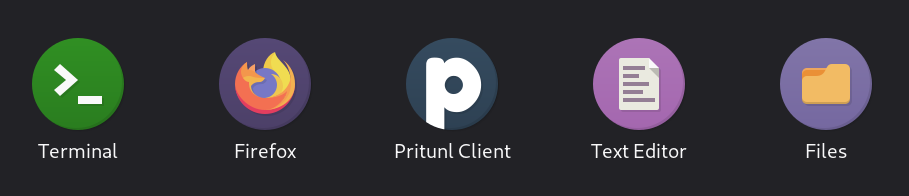
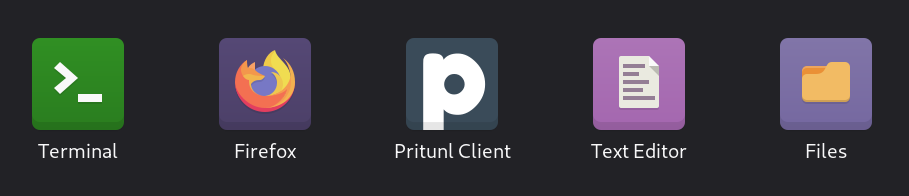
The Flatpak client includes matching icons for Numix Circle and Numix Square icon themes.
Command Line Client User Profile Support
Previously the command line client only supported system profiles. The CLI now supports user profiles and the option to move profiles between the user and system. The new TUI also has full support for system and user profiles.
macOS Suspend Device Authentication Issues
Improvements have been made to device authentication on macOS to resolve issues where re-connection would fail after resuming from sleep. This was often due to the Secure Enclave being unavailable for the first few seconds after resuming from sleep.