Hi!
I’m happy to introduce Zero SSH Client for Windows (dotnet 9).
This package includes two tools:
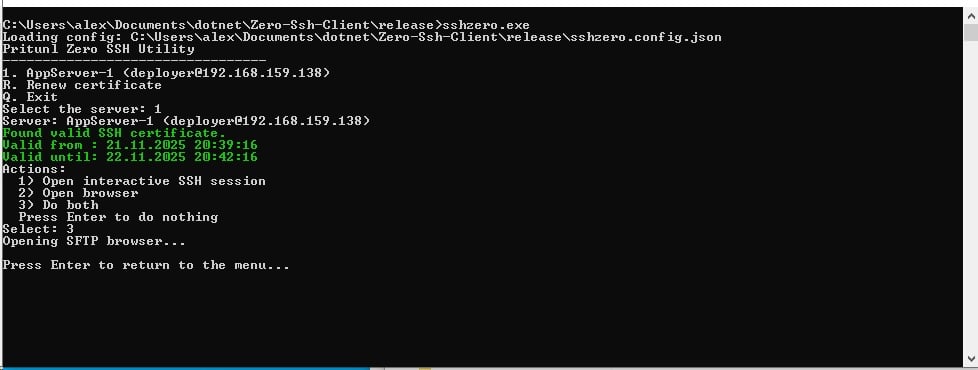
SSH Retrieve Client – automatically fetches SSH access via Pritunl Zero and launches your preferred SSH console.
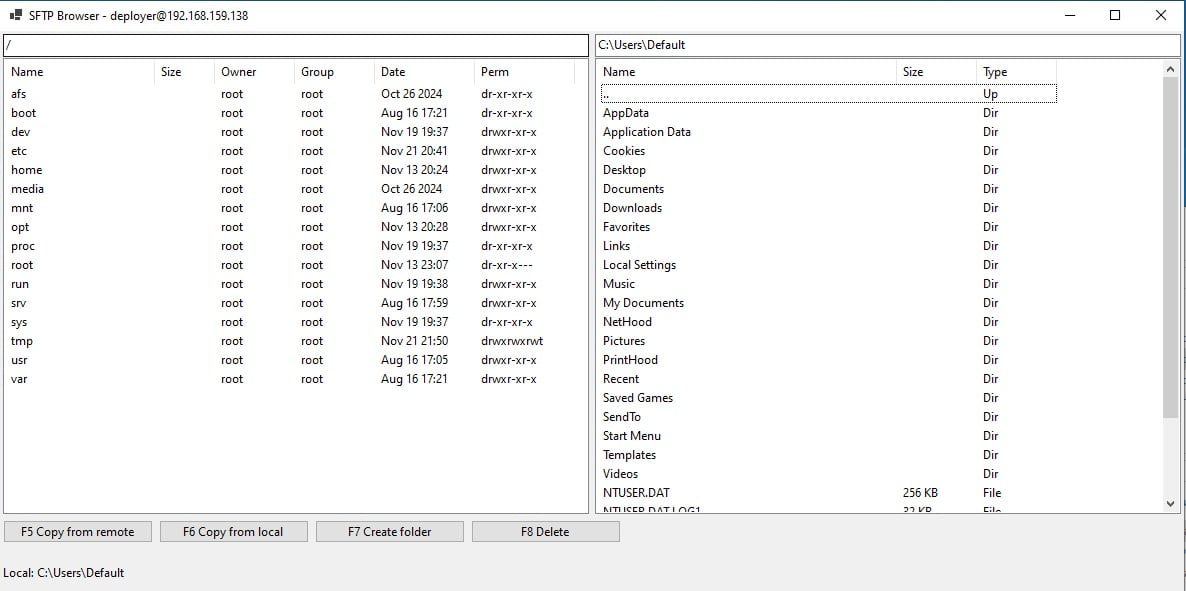
Simple SFTP Browser – minimalistic file browser using the built-in Windows OpenSSH SFTP client.
No additional dependencies are required — everything works with the native Windows OpenSSH tools.
For a better terminal ssh experience, I recommend using a modern console such as WezTerm.
Thanks for contributing this. Currently there isn’t any plans to have an official Pritunl Zero SSH client for Windows, although the Linux client does have code to work with WSL.
I’ve created not just a script, but a set of useful tools for Windows users.
The application works with the native OpenSSH package, supports public certificates, and includes both an SFTP browser and a simple management tool.